
My Project – STEGOGAN:
Generative AI is generating a lot interest, and you must have heard a lot about ChatGPI recently. I have been learning AI and Machine Learning for the past few years, and this branch of technology amused me a lot. So thought of trying my hands on it. I developed a Generative Adversarial Network that creates images of Stegosauruses. In this article I wanted to highlight how I went about creating my GAN, that I named, STEGOGAN.
A key part in writing ML algorithms is using libraries that can simplify coding and make it much more efficient. I used Tensorflow and Keras Libraries in my project.
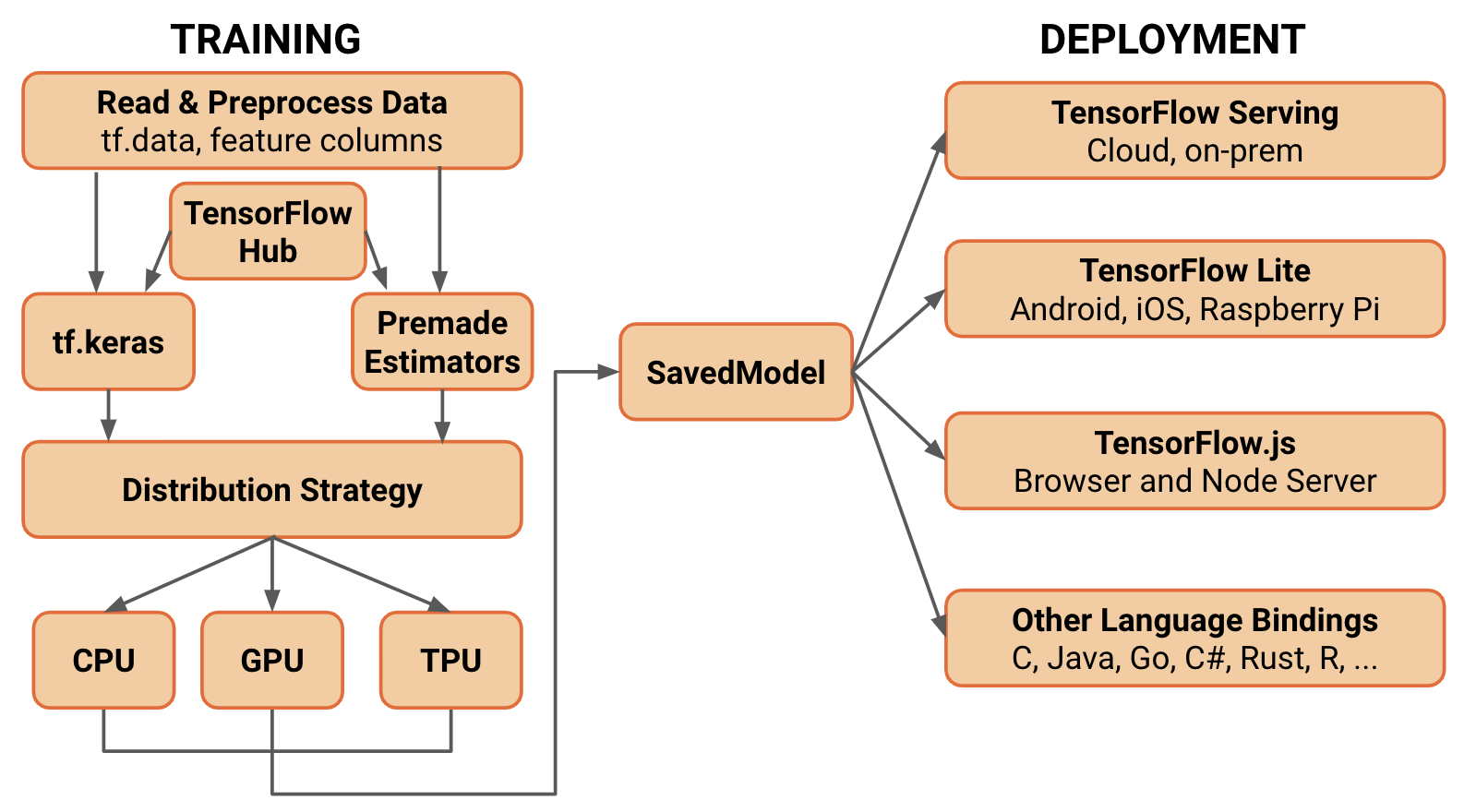
Without TF, I would have to manage and perform large mathematical computations in the code. However, TensorFlow allows for me to generalize, and categorize the neural network so I can program more efficiently. The libraries allowed me to complete parts of my program much faster and write cleaner code.
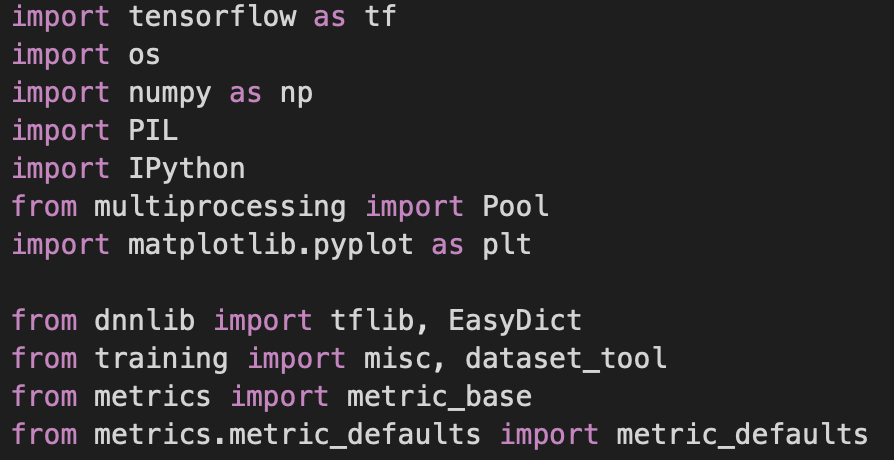
The Generator
First I built the generator. The generator is the part of a GAN that creates the images. I want the program to generate images of Stegosauruses.

However, a common misconception is that generators create perfect images right of the bat. Many, like me who are new to the field of machine learning assume that the realistic images that are produced come about immediately. I quickly found out that this is not the case. The generator in the beginning, was producing unidentifiable junk. This is because, when training is starting, the generator does not have any information to go off of. It does not know what is required of it, or what to develop. The generator behaved almost like a baby. It is new to the world and still learning what to do. The generator has the task to trick the discriminator into believing its image is real. If the discriminator finds the generators image out as fake, it knows it has to improve.
The Discriminator
Then I developed the discriminator. The discriminator’s job is to identify the images that my Stegosaurus generator created as real or fake. Since the discriminator is a supervised learning model, it requires a dataset to train on. The dataset that I used in my project consists of roughly 200 images of stegosauruses obtained through a web scraper I developed.
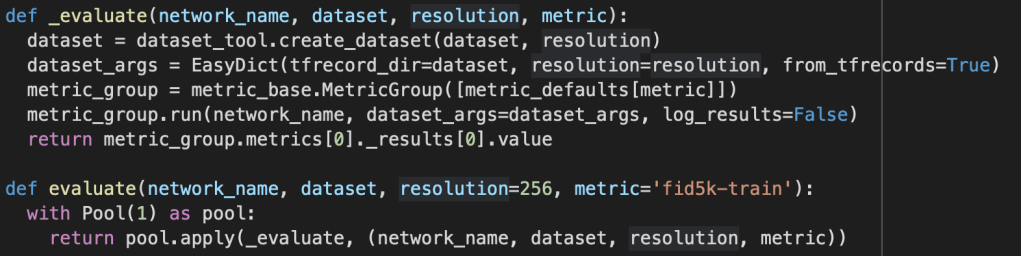
The way the discriminator trains is a very different from the generator. I trained the discriminator with a small dataset of real images (due to the DiffAug that StyleGANv2 utilizes). At the same time it was also receiving the image that the generator created. The discriminator then has to identify the image as real or fake. If the model fails, it should learn from its mistake and adjust its identification algorithm. The loss was used to improve the learning process of generator – discriminator combination.
Loss
Loss can be classified as a negative consequence for an incorrect prediction. There are two types of loss in a GAN, Discriminator-loss and Generator-loss.
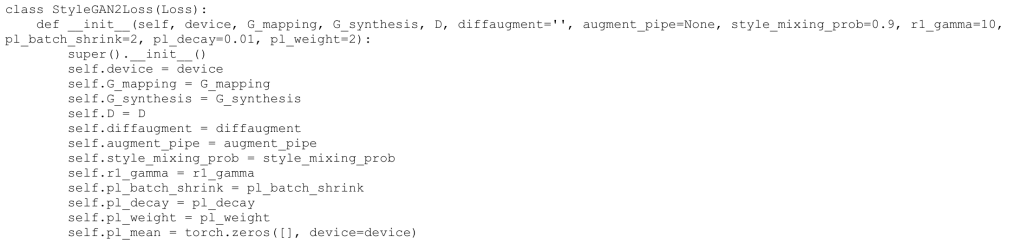
Originally, when I ran my model, I noticed that the Generator and Discriminator were not improving at a fast enough rate. This was because the loss number (tells the models if they are doing well/accuracy) was not high enough. This made the models think that they were doing better than they were actually doing. To combat this I made changes to the loss algorithm such that the penalty was far greater for any mistake made. This forced the discriminator/generator to stop following along the same fixed path and make large changes in order to improve.
Outputs
Outputs are produced after a single cycle in the GAN model. A single cycle is when a generator creates an image, and the discriminator identifies it as real or fake.
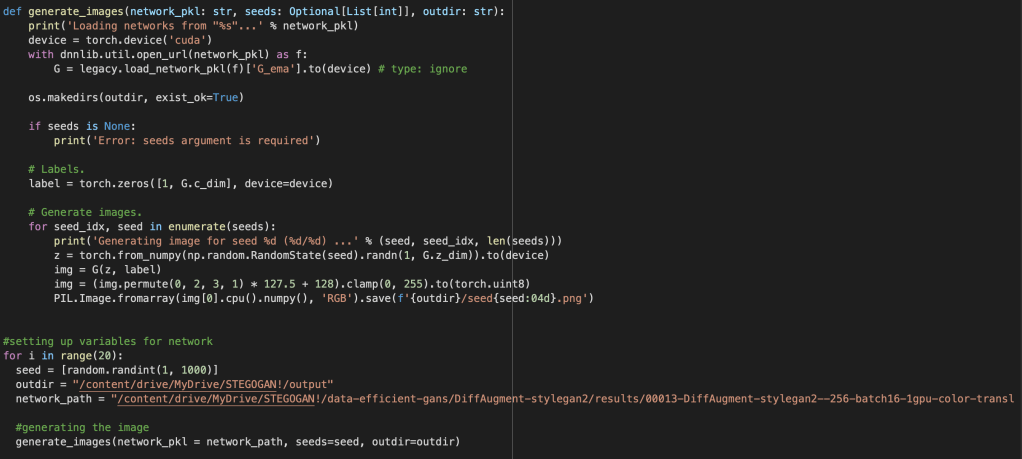
My original model ran 500 times and was developed in Google Colab.
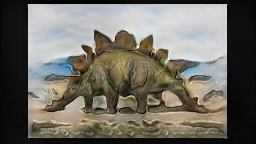
As you can observe, my model is nowhere close to perfect. However, you can definitely see the Stegosaurus shape and structure. It might be a little misshapen at place, but that’s okay! GANs are not perfect right off the bat and need some time to improve.
Conclusion
During the development of StegoGAN, I encountered several issues. One of the initial challenges was that the GAN was unable to accept my dataset due to differences in image sizes and variations in the content of the images. This was frustrating as the generated images did not meet my expectations and were generally unrecognizable. However, these challenges provided opportunities for me to learn and improve my skills in data preparation and model modification. Through my efforts, I was able to significantly improve the performance of the GAN and ultimately achieved impressive results with StegoGAN, producing high quality images.
You can check out StegoGANv1.1 here
 NytroMind